Update: New Card Shop Friends codes were added on May 4, 2026.
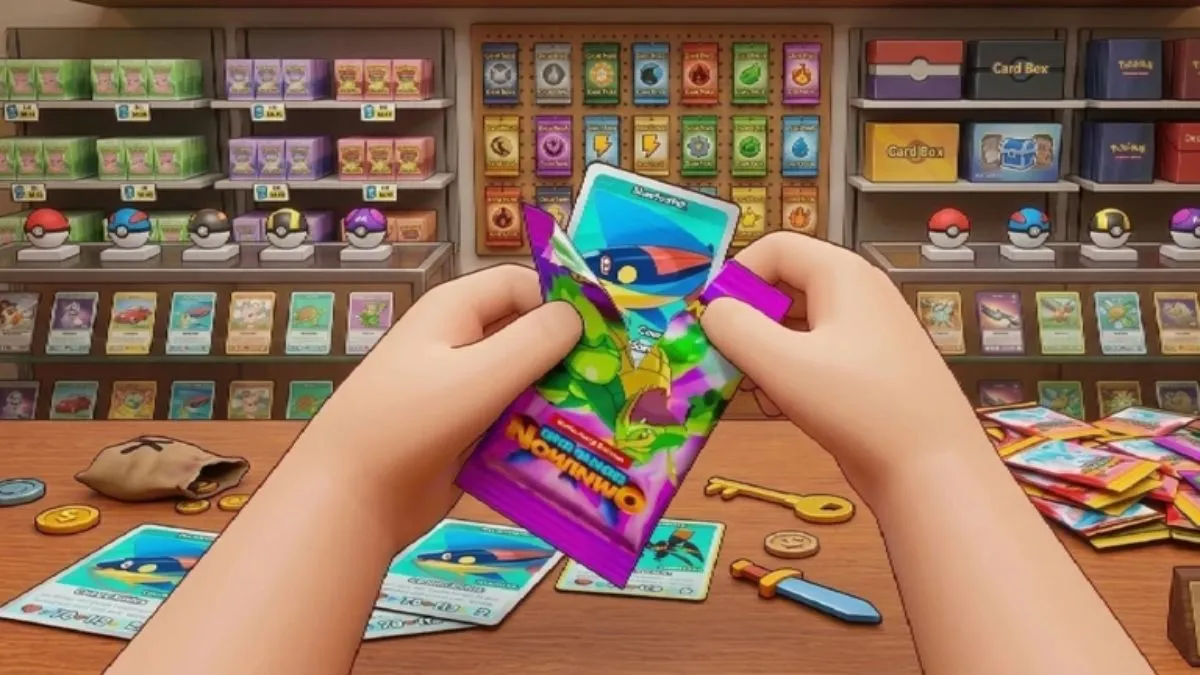
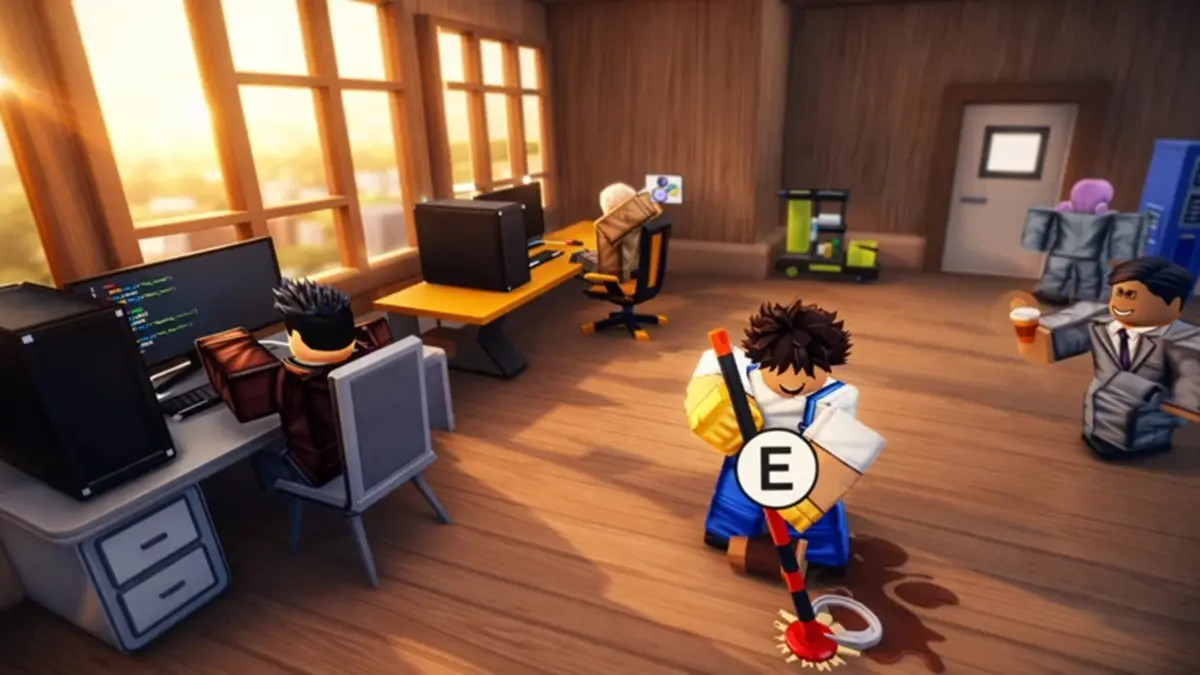
Card Shop Friends is a simulator game where you open a card shop with your friends, stock various cards, and sell them. In this game, you can open packs and collect rare cards. You can always use active Card Shop Friends codes to speed up your gaming experience; these codes give you free cash, boosts, and other rewards. The more boosters you have, the higher your chances of finding rare cards.
All New Card Shop Friends Codes
- update: 300 Cash (NEW)
- shop: 2x Cash Boost (NEW)
- tcg: 2x Luck
- hire: 2x Stars
- abuse: 2x Cash Boost
- admin: 300 Cash
- potion: 2x Cash Boost
Invalid Card Shop Friends Codes
There are no invalid codes for this game. However, make sure to use the active ones as soon as possible.
If collecting cards is your hobby, check out Spin a Soccer Cards and Anime Card Clash games. If you don't like cards but want to check out some anime games, you can take a look at Sailor Piece, which offers the best anime uploads. You can also check our main list of Roblox game codes and see which ones suit you.
How Do I Use Card Shop Friends Codes?
Before using Card Shop Friends codes, you must create your shop and complete the tutorials. Once completed, follow these steps to use the codes:
- Launch Card Shop Friends in Roblox.
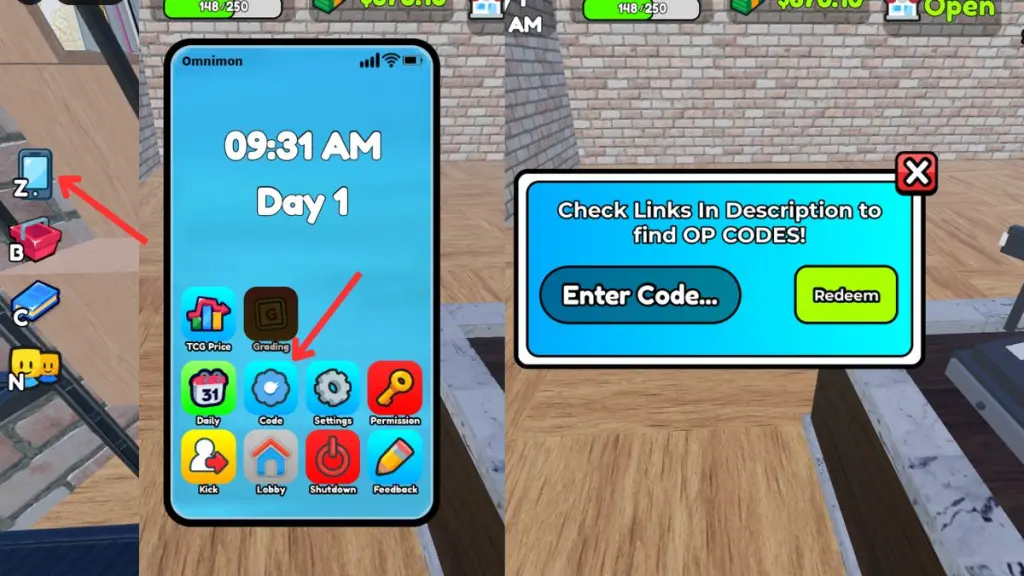
- Enter your shop and press the Z key to open your phone.
- Click on the codes icon.
- Enter an active code.
- Press the use button to claim your rewards.
How Can I Get More Card Shop Friends Codes?
Card Shop Friends codes are always announced on the TCG Card Shop Simulator Discord server. Developers release new codes in certain channels without prior notice. While all codes are in one place, you may not be able to distinguish between active and invalid ones. Therefore, we recommend you follow our page and bookmark it. This way, you can easily return to check for new working codes without much effort.
Why Are My Card Shop Friends Codes Not Working?
If your Card Shop Friends codes are not working, they may have already expired. Make sure the code is not on the invalid list. Always avoid typos by copying and pasting codes from the active codes list. Also, you should ensure you have a stable internet connection for the codes to work.
Finally, if the codes still do not work, try restarting the Roblox launcher or joining another server.














Comments
(2 Comments)