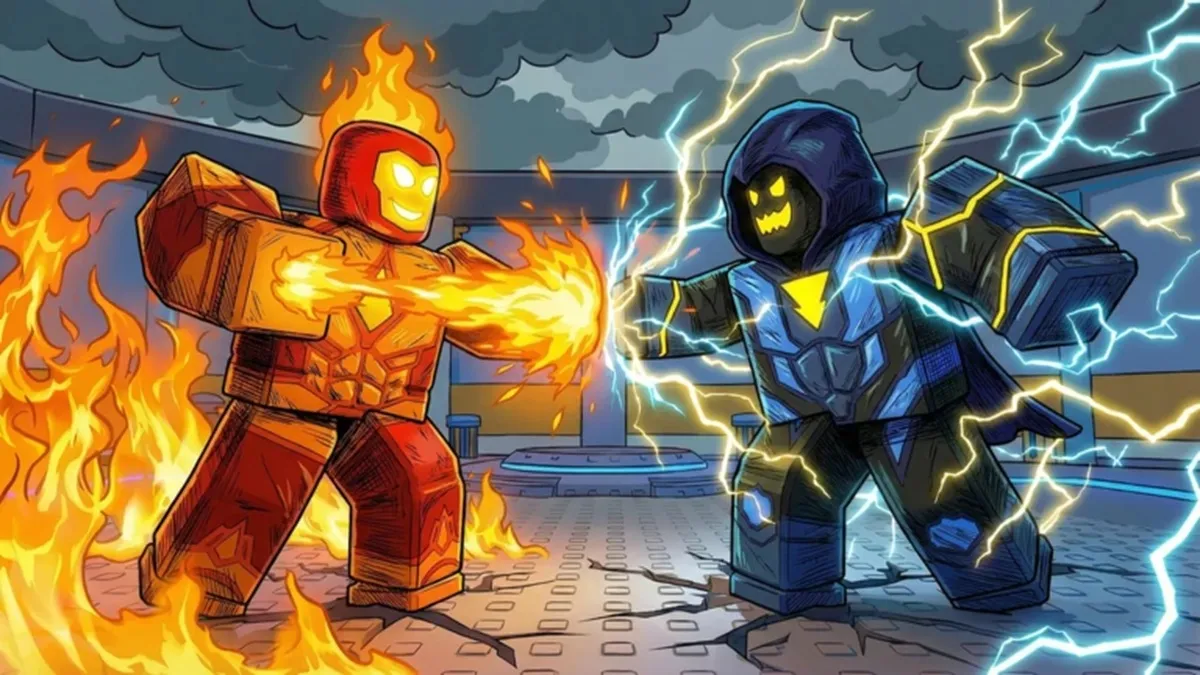
Update: New Power Simulator X codes were added on May 1, 2026.
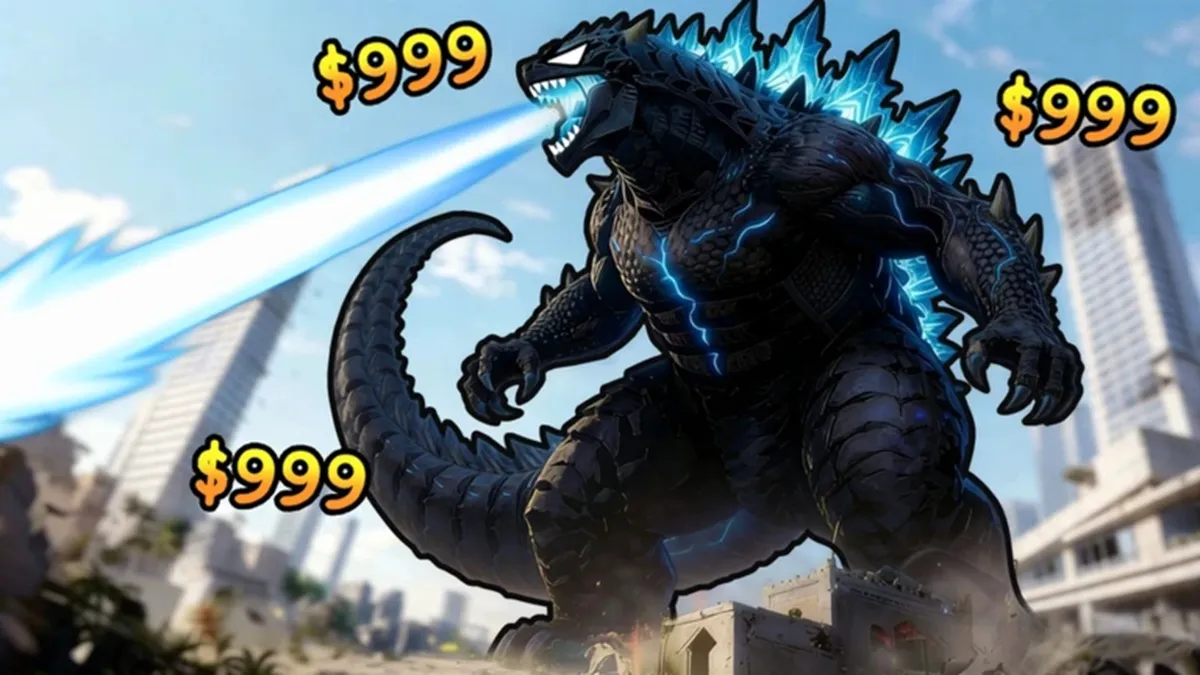
Power Simulator X is primarily a combat training simulator game. Train and empower your character, then fight enemies and earn tokens. Use the tokens to increase your training multiplier and obtain great abilities by re-rolling for aura. Therefore, tokens and aura re-rolls are everything in the game, and both are rare commodities. That's why you should use the Power Simulator X codes from our list to get free tokens and aura re-rolls in the game.
All New Power Simulator X Codes
- 10KLIKES: 200 Tokens and 2 Aura Re-rolls (NEW)
- 5KLIKES: 100 Tokens and 1 Aura Re-roll (NEW)
Expired Power Simulator X Codes
- LAUNCHDAY
- 1KLIKES
Do you enjoy playing power or training simulator games? Why not try games like Staff Training, Spear Training, and Sisyphus Training? Besides these, you can find many other great games in our list of Roblox game codes.
How to Use Power Simulator X Codes?
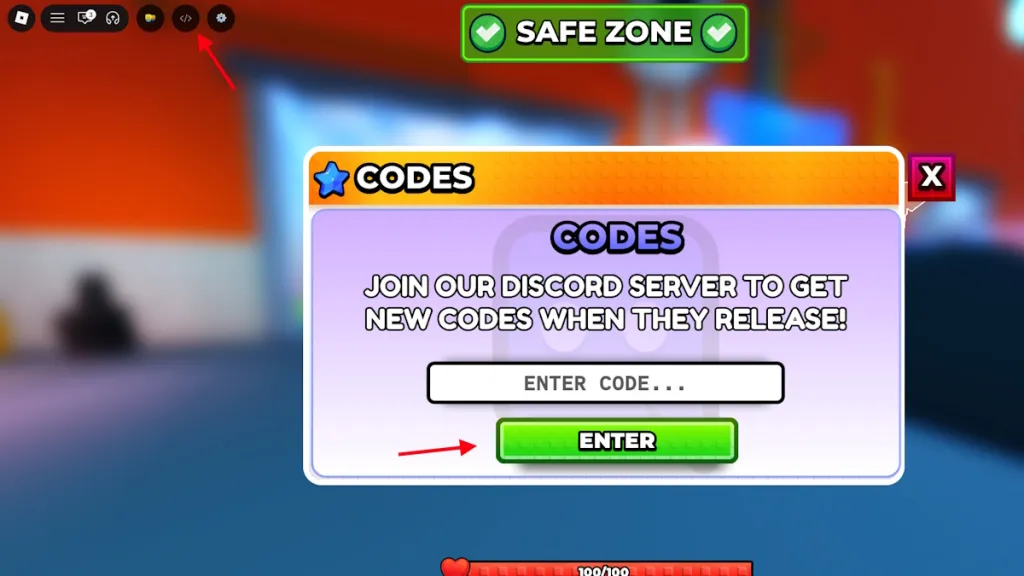
To use Power Simulator X codes, you must first complete the game's tutorial. After doing this, follow the steps below to use the codes:
- Launch Power Simulator X in Roblox.
- Click on the Codes icon in the upper left corner of the screen.
- Type a valid code in the ‘Enter Code…’ box.
- Click the Submit button to claim your rewards.
How to Get More Power Simulator X Codes?
If you are looking for more Power Simulator codes, you have come to the right place. Here, we make sure to add all currently active codes so that players like you can have an easy time. All you need to do is bookmark our article and occasionally check if new codes have been released.
You can also join the Power Simulator X Discord server and keep track of future updates. This way, you can come back here and find new codes when they are released.
Why Are My Power Simulator X Codes Not Working?
One of the biggest reasons your Power Simulator X codes may not be working is entering the codes incorrectly. A trend I have observed among players is adding extra spaces before or after the code while typing it. This results in an error and confuses them. To prevent this, you can simply copy and paste the codes from our list here.
Additionally, the code may have expired, which is why it may not be working for you. In this case, the message should clearly indicate that it has expired.
So, how powerful has your character become in Power Simulator X? Let us know in the comments section below.





























Comments
(2 Comments)