When you are ready to jump into the game with your team in Marvel Rivals, unexpected errors can sometimes occur, preventing you from enjoying the game. Since the game was released, various error codes have emerged. Although NetEase releases fixes every season, players still encounter obstacles. Therefore, we have compiled all the Marvel Rivals error codes to date and listed possible solutions for each one here.
List of All Marvel Rivals Error Codes
Before we expand on how to solve every issue in the game, check all the error codes and what they mean as of Marvel Rivals Season 7.5:
| Error Code | Meaning |
|---|---|
| 10 (also shown as 5) | Server Connection Issues |
| 4 | Network Related Error |
| 21 | DNS Related Issue (Xbox) |
| 211 | Steam Issue |
| 2100 | Connection Error |
| 220 | Server Connection Issues |
What is Error Code 10 in Marvel Rivals and How to Fix It?
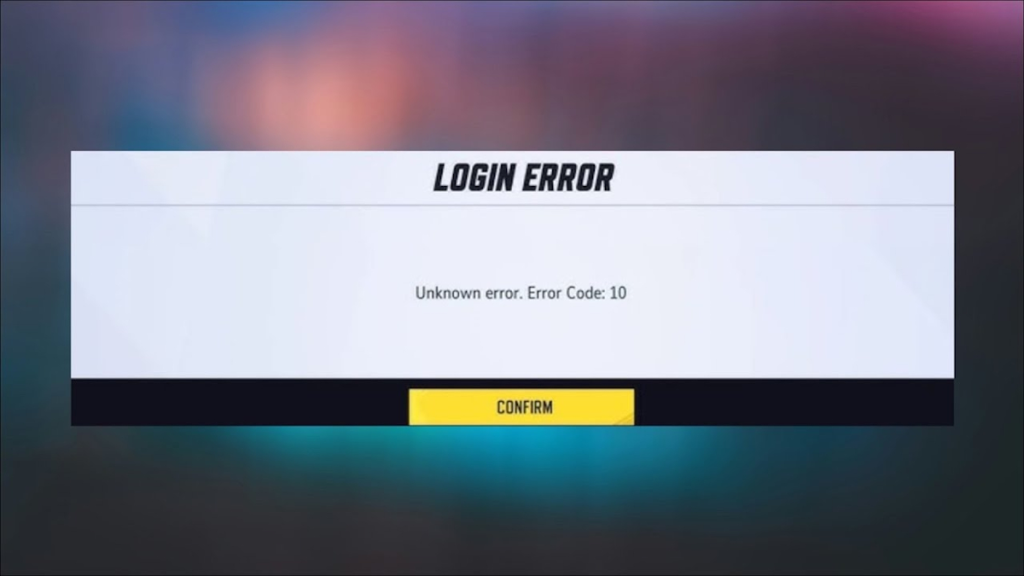
Error code 10, sometimes listed as code 5, has been present since Marvel Rivals Season 1. This error is related to server connection issues. Since this is a server-related problem, the issue can arise from various reasons, such as the official server being down, a poor internet connection, etc. Here are some solutions you can try to resolve error code 10 in the game:
- First, check whether the game servers are down by visiting Marvel Rivals' official X account or a third-party website like Down Detector.
- If the servers are up and you are still experiencing issues, try restarting your router and the game.
- If you are playing on Steam, verifying the integrity of the game files (available in the Properties section) has worked for many players.
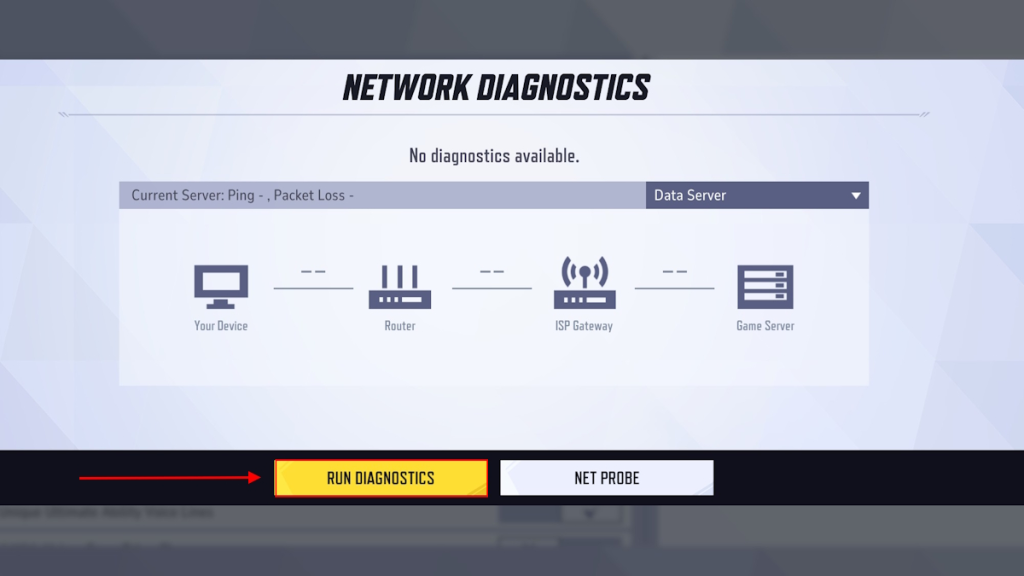
- Try running Network Diagnostics in the game settings menu and restart the game.
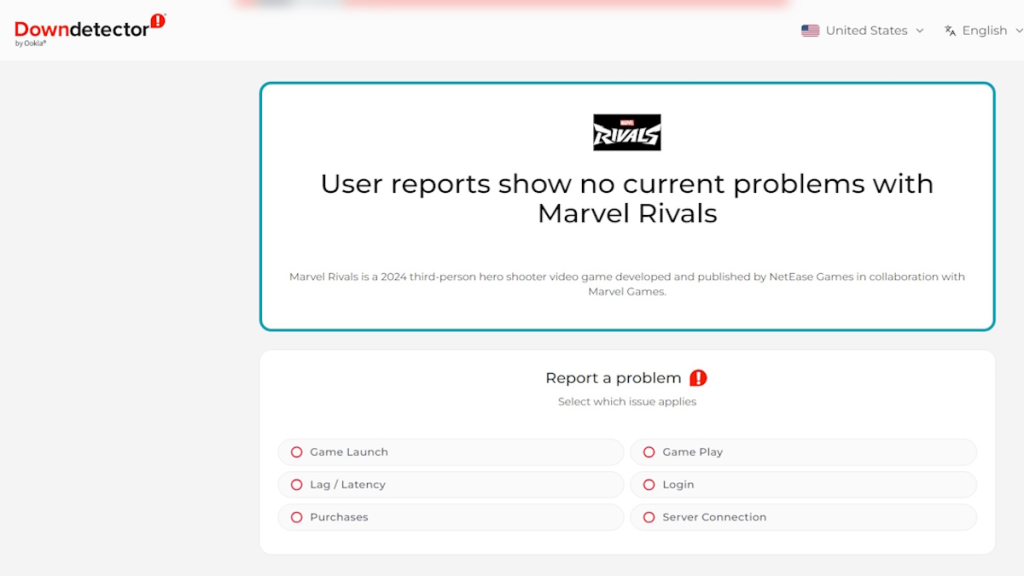
Image Source: Ookla 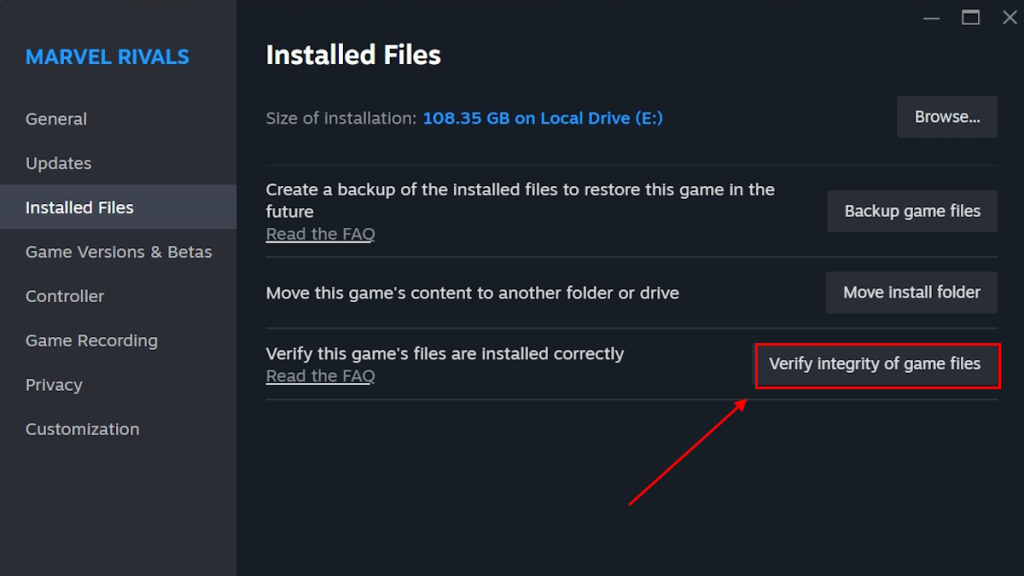
Image Source: Valve 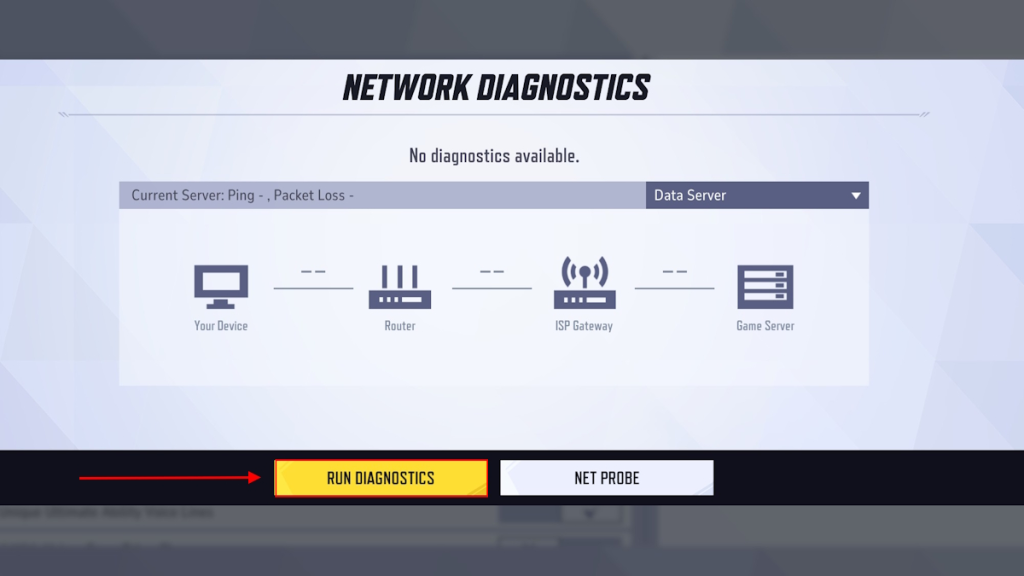
Image Source: NetEase Games
What is Error Code 4 in Marvel Rivals and How to Fix It?
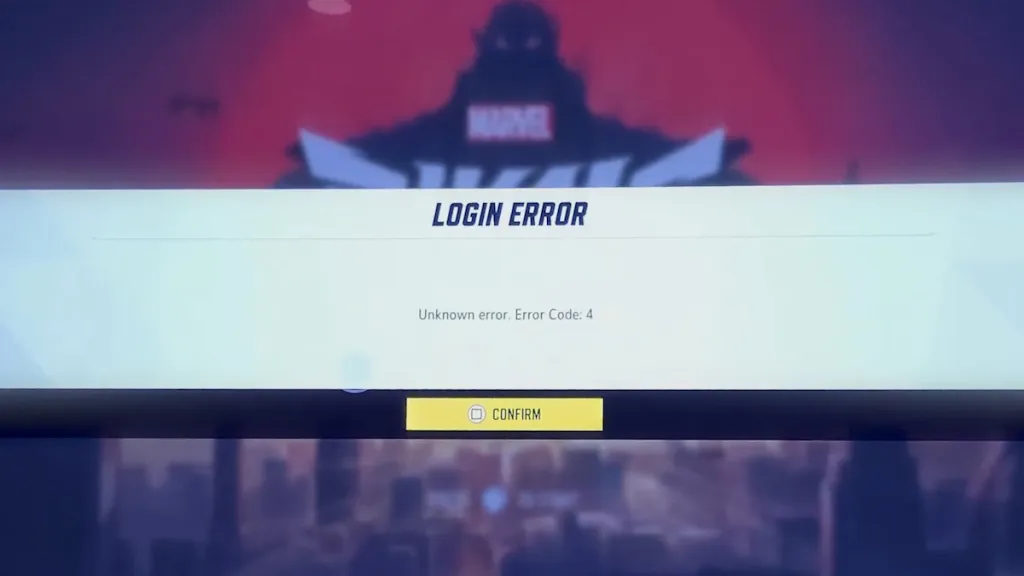
Similar to Error Code 10, Error Code 4 is also related to connection issues with the server, especially on PlayStation Consoles. If you are playing Marvel Rivals on PS4 or PS5, you are likely to receive this error code when there is a network error. Therefore, we have suggested a few solutions that might help you return to the game on consoles:
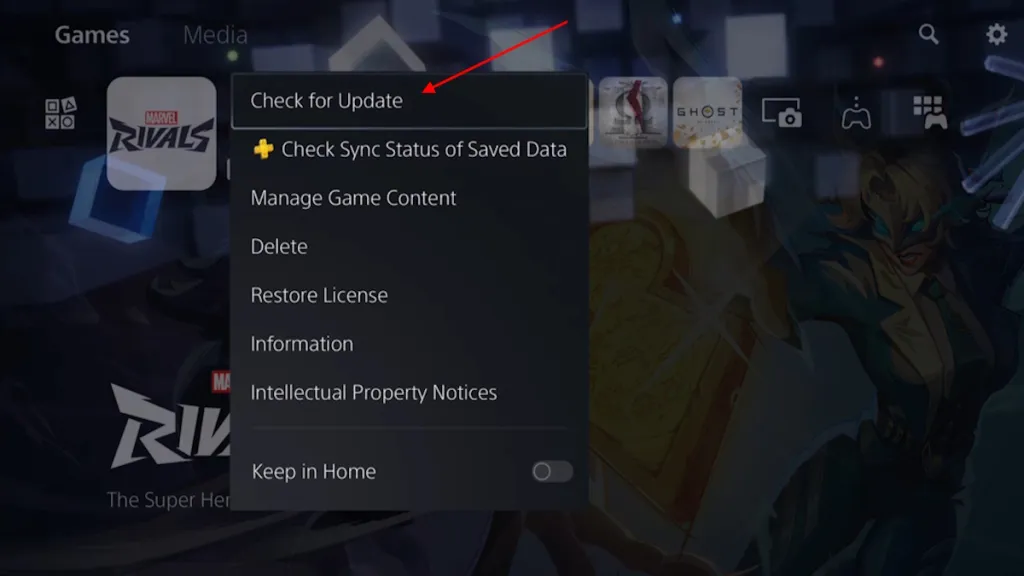
- Make sure you have updated the game to the latest version, as this issue arose during a major update.
- Try restarting the game and see if that helps.
- Try turning off your Wi-Fi and turning it back on after a few minutes.
- Finally, check if the PlayStation Network is currently under maintenance, as this issue has previously caused network errors.
- If that is the case, you have no choice but to wait until the servers are back online.
What is Error Code 21 in Marvel Rivals and How to Fix It?
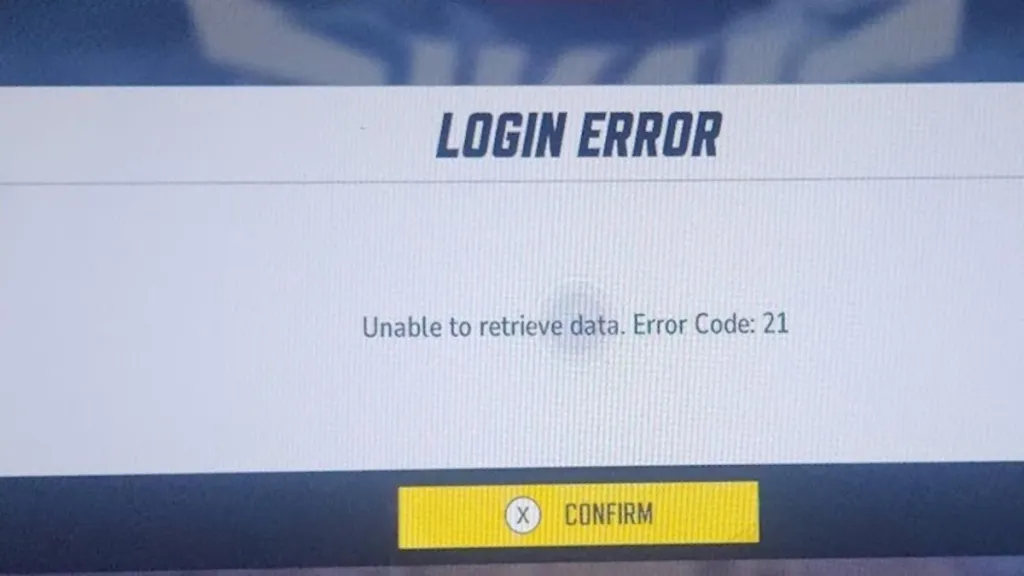
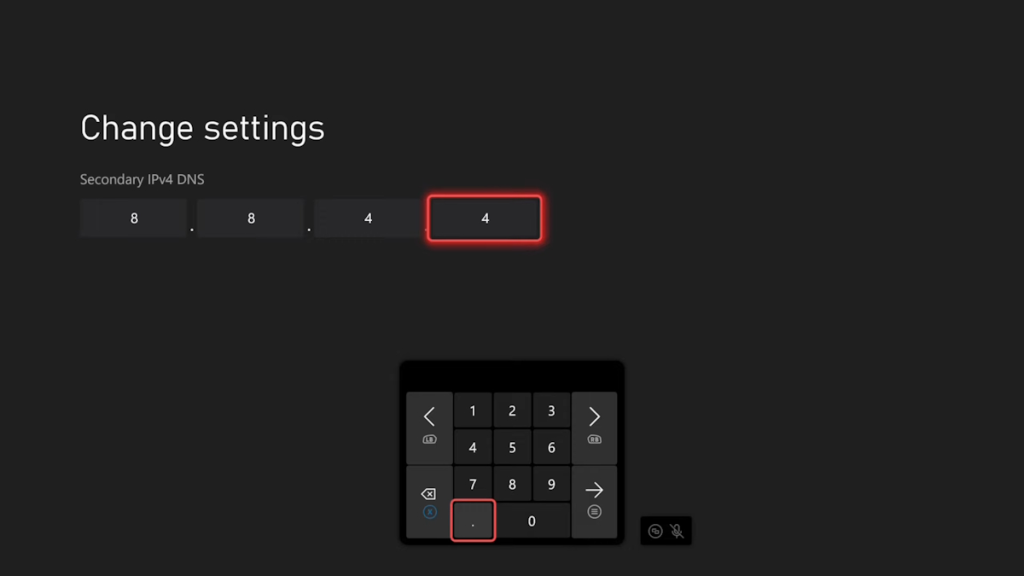
Just like PS players receive error code 4, Xbox players also get Error Code 21 when they experience network issues. If this is preventing you from progressing in Marvel Rivals on Xbox, you can find a few solutions here:
- Try changing your DNS from 8.8.8.8 to 8.8.4.4 in the advanced network settings of your Xbox.
- Connect while your VPN is on for the relevant device when connecting to your mobile/laptop's hotspot.
- Try restarting the game and see if that works.
- Finally, you might try reinstalling the game.
What is Error Code 211 in Marvel Rivals and How to Fix It?
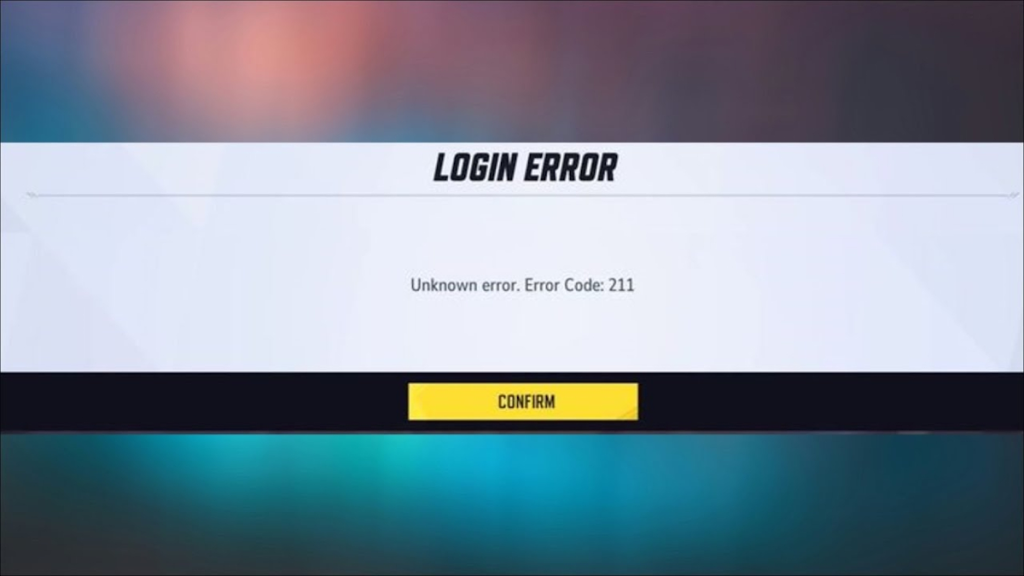
Players who play Marvel Rivals, especially on Steam (including Steam Deck), may encounter various errors. One of the common errors faced by Steam users is Error Code 211. There is only one solution to fix error code 211 in Marvel Rivals:
- Error code 211 in Marvel Rivals occurs when Steam servers are undergoing weekly maintenance. Therefore, your only option is to wait for the servers to come back online.
What is Error Code 2100 in Marvel Rivals and How to Fix It?
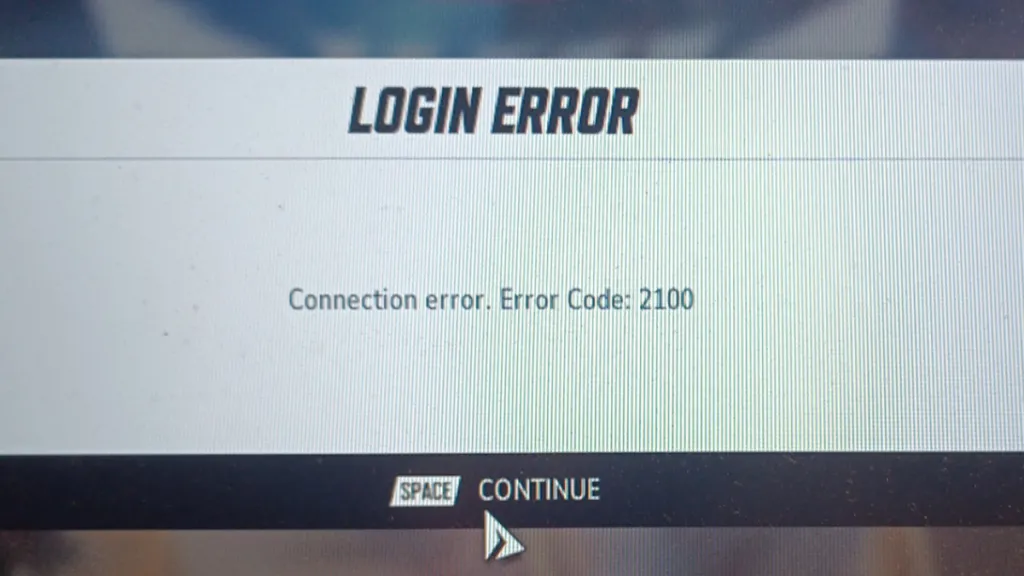
The next error is Error Code 2100, one of the most common entry errors. This error occurs on almost every platform and prevents you from entering the lobby, so you can't even reach Marvel Rivals’ Times Square. Fortunately, there is an easy fix for error code 2100 in Marvel Rivals, and here’s how to do it:
- Go to the settings menu and run Network Diagnostics. Once the process is complete, close the game and restart it. This will definitely fix error code 2100.
- If running Network Diagnostics didn’t work, some players have reported that restarting the console/PC resolved the issue.
What is Error Code 220 in Marvel Rivals and How to Fix It?
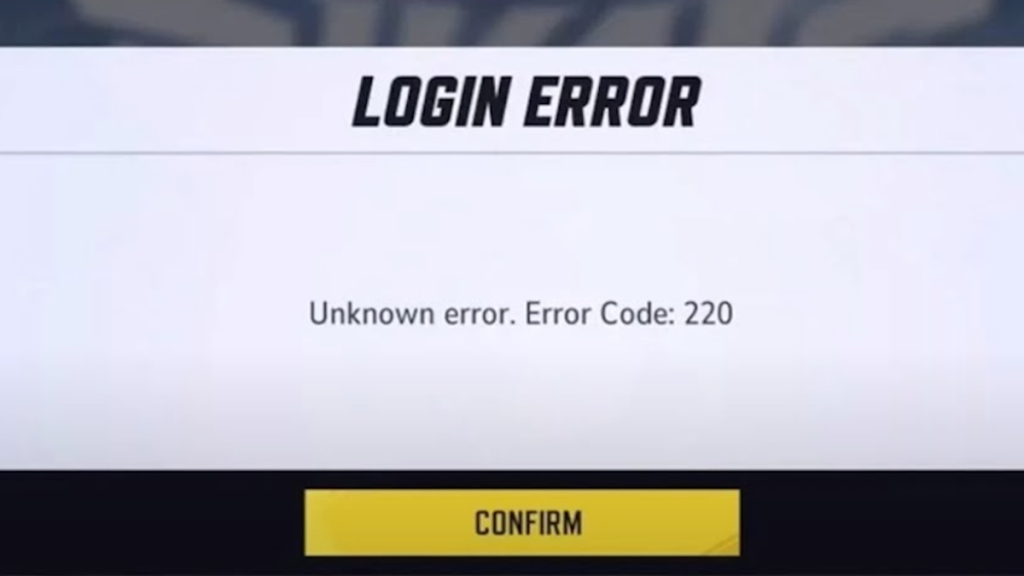
Once again, we are faced with another error related to a server connection issue. Error code 220 is classified as an unknown error, but it is likely related to your network. This error has been bothering players across platforms since its release. Here are possible solutions for error code 220 in Marvel Rivals:
- The first thing you can try is to clear your DNS.
- Next, check if your current Antivirus software is interfering with the Marvel Rivals game files. If so, make the game an exception in your protection.
- Try changing the DNS and restarting the game.
- As a last resort, disable your firewall to see if that resolves the issue.
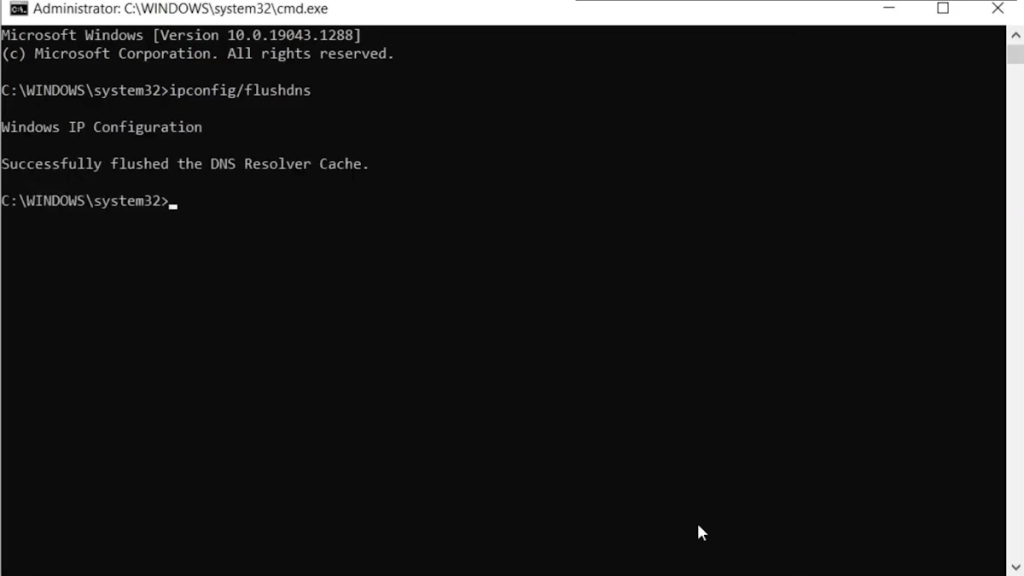
And here we are at the end of our guide on how to fix all the different error codes in Rivals. Generally, updating the game to the latest version resolves most issues. Developers observe every error players encounter and fix them with each update. However, if you are still experiencing other new error codes, please let us know in the comments below, and we will help you.
Why does Marvel Rivals keep saying error code 10?Error Code 10 in Rivals relates to an issue connecting to the game server. To resolve the issue, check if the server is down or if your internet connection is stable.
How to fix Marvel Rivals error code 2100?Running Network Diagnostics in the settings menu may fix error code 2100 in Rivals.
What is Marvel Rivals error code 4?Marvel Rivals error code 4 occurs when there is a network issue while playing the game on PlayStation consoles.
Comments
(3 Comments)